Template or Preset? Affinity confusion
Continuing my “Adobe-free” experiment, I wanted to create some Affinity templates to share or offer up in my future online store. But trying to figure out how to describe the process to “install” the templates led me down an unexpected nomenclature rabbit hole.
This is the dialog box that appears after selecting “New…” These are not templates however.
After some noodling around, I think I now understand how Affinity has their templates set up and how someone can add their own. I think the confusion comes from how a new document is created. The "New..." command brings up the New document Welcome box (see above) which lists the built in presets (templates) and any "My Presets" which are anything you may have customized in this window previously and used the "Save to My Presets" command. This was the first point of confusion for me. Despite the fact you can export a .af file as a .aftemplate, that is not a "preset" as far as Affinity is concerned. Presets can only be created in the New dialog box and can only appear under "My Presets." So if you say create a new Preset for a poster size, you can't have that preset show up under the built in "Canvases" presets category. You can save an Affinity preset to "My Presets" however. The revelation here was the understanding that a "template" (.aftemplate) is NOT a "preset." To see template files from the "New..." dialog you need to click the home button in the top right which then shows a "My Templates" tab. In here you can set a local folder as your "My Templates" folder and then any .aftemplate files you put in there will show up in "My Templates."
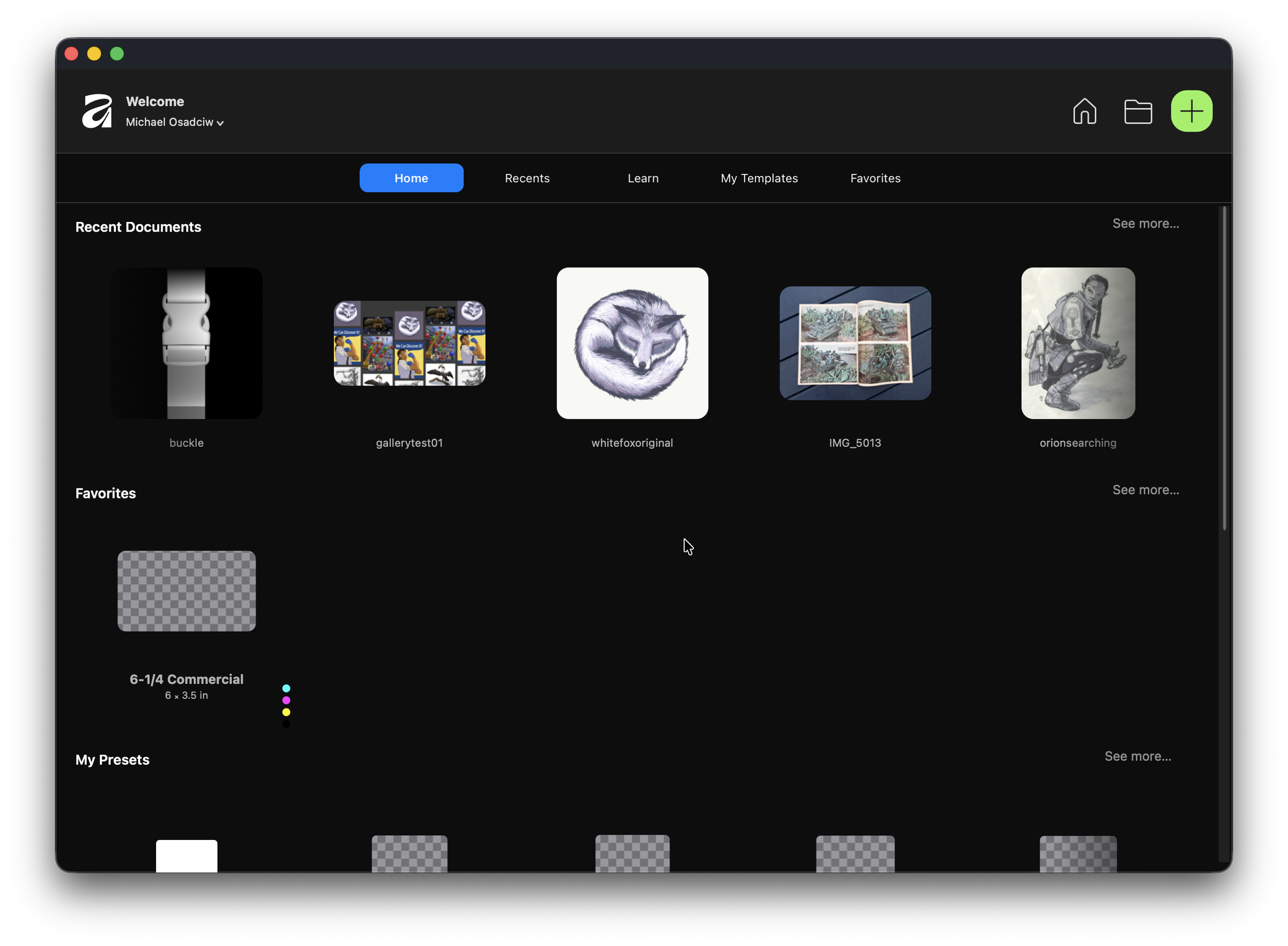
This is the window once you click the Home button, the first of three icons at the top right.
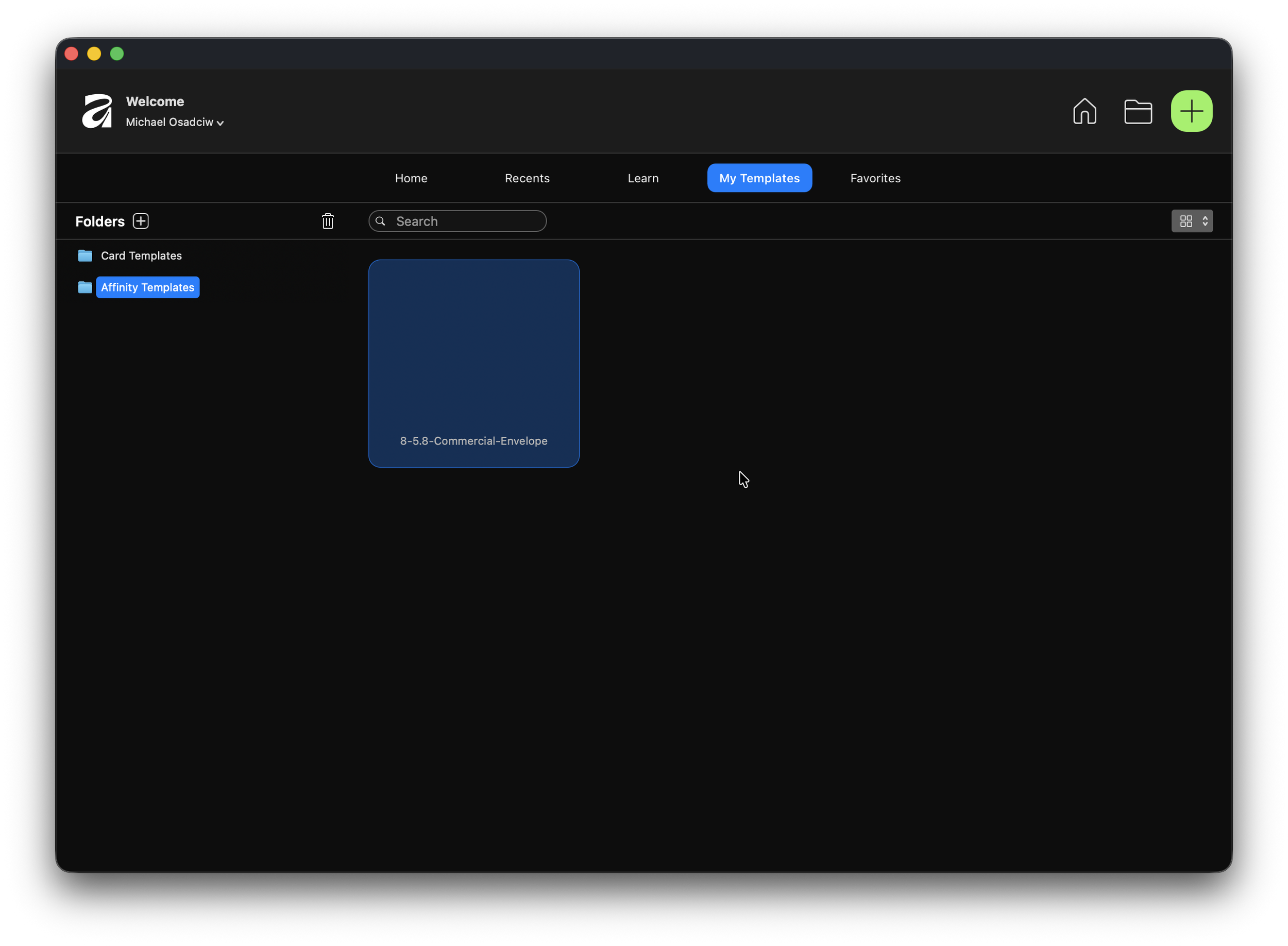
This is the “My Templates” tab.
Maybe if the "New..." command opened the New window at the Home screen it would make more sense, since all of your options are available there. It currently defaults to the New setting where its only presets and detailed specs. There doesn't appear to be a setting to make the "New..." command open to the Home tab. At least I now know how it works and can proceed; I hope this helps others.
In case it matters I am using Affinity Mid-July ‘26 version on MacOS. Affinity has been very good with feature parity so I expect it to be the same on Windows.